
Dashboard Template for Remote Work Tracking Professionals Guide
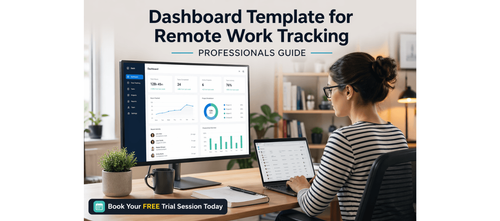

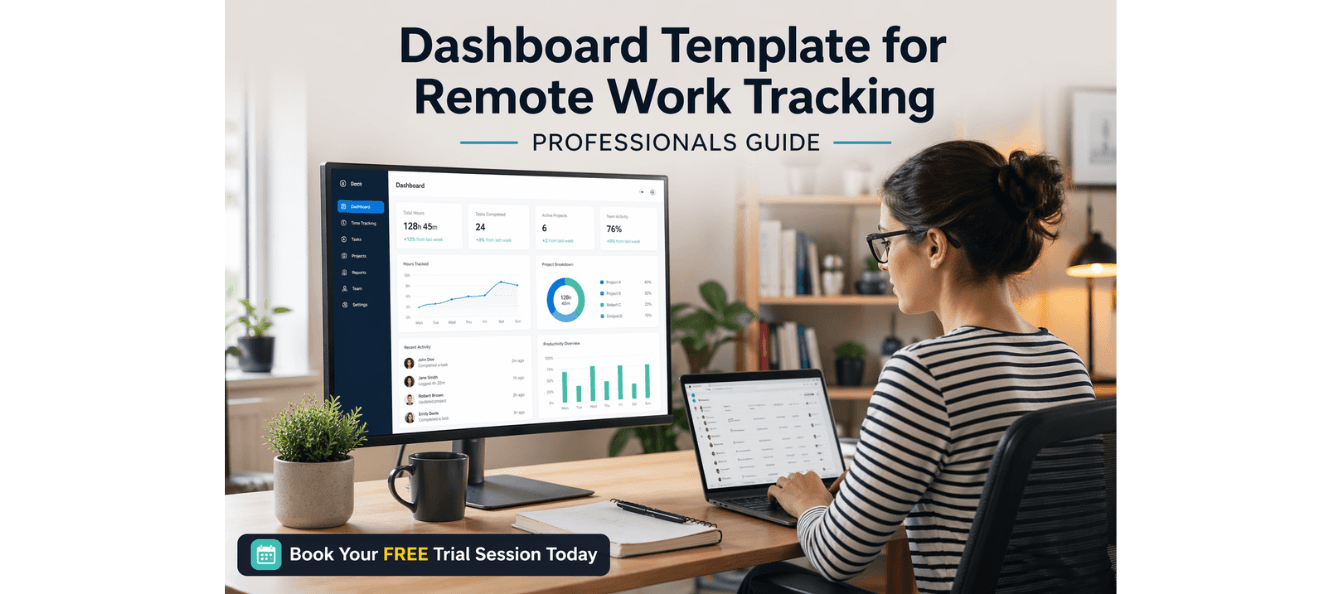
Mastering Remote Work Tracking: The Ultimate Dashboard Template for Success
The shift to remote work has brought about significant changes in how we measure success, track progress, and stay accountable. Without the traditional visibility of an office environment, it can be easy to lose track of productivity, performance, and project milestones. That’s where an effective tracking system comes in.
This Dashboard Template for Remote Work Tracking is designed to help you stay on top of your tasks, measure performance, and communicate progress with clarity. Whether you're a manager leading a remote team, a freelancer managing client deliverables, or a career switcher stepping into a new remote role, this dashboard system will help you stay focused and aligned with your goals.
Download these resources and apply them alongside your daily work for improved clarity, productivity, and professional growth. You can also book a free trial to gain expert guidance and enhance your communication, problem-solving, and decision-making skills. The materials are designed in a clear, structured format to help professionals learn efficiently and implement insights with confidence.
Who Is This Blog For?
- Career switchers transitioning to remote work
- Managers leading remote teams
- Consultants managing client deliverables
- Freelancers looking to track progress and outcomes
- Professionals seeking to improve work visibility and communication
Why This Topic Matters Today?
Remote work has fundamentally changed how performance is tracked. Without in-person check-ins and face-to-face visibility, progress can become hidden. This lack of transparency can lead to missed deadlines, unclear priorities, and poor communication. An effective remote work dashboard solves this problem by giving you a central place to track tasks, monitor progress, and share updates with key stakeholders.
This Dashboard Template for Remote Work Tracking helps ensure that your work is always visible, your performance is clear, and your team stays aligned with shared goals.
Core Concept or Framework Explained
The framework behind this dashboard involves three main steps:
1. Define your core metrics
2. Choose the right structure for your role
3. Build a consistent tracking rhythm
The idea is to focus on what matters most and avoid overwhelming yourself with too much data. Keep your dashboard lean, actionable, and relevant to the outcomes you're responsible for.
How This Blog and Guidebook Help You?
This blog and the accompanying guide will help you:
- Define what to track and ensure it aligns with your role’s goals
- Choose the right dashboard structure based on your specific needs
- Build a weekly tracking rhythm that’s easy to maintain and improve
- Stay accountable with clear metrics, regular updates, and visual insights
Step-by-Step Breakdown
Step 1 — Define What You're Tracking
Before you build your dashboard, you need to identify what success looks like in your remote role. Focus on 3–5 key metrics that directly reflect the outcomes your role is responsible for delivering. Avoid tracking everything—tracking too much leads to tracking nothing.
Break your metrics into three categories:
- Output metrics: What you produce — tasks completed, reports submitted, clients contacted
- Process metrics: How you work — hours logged, meetings attended, response time
- Outcome metrics: The impact — revenue influenced, client satisfaction, project milestones hit
Use these categories to structure your dashboard and decide which metrics will drive your performance conversations.
Step 2 — Choose Your Dashboard Structure
The best dashboard is the one you’ll actually use consistently. Choose a structure that suits your role and workflows. Here are three proven dashboard structures to get you started:
- Individual Contributor Dashboard: Tracks personal tasks, deadlines, and weekly output. Best for freelancers, junior professionals, and individual contributors in larger teams.
- Team Manager Dashboard: Tracks team-level workload, blockers, and delivery status. Best for team leads and managers overseeing 3–10 remote reports.
- Client/Project Dashboard: Tracks project milestones, client deliverables, and billing status. Best for consultants and project managers.
Choose the structure that best fits your role and workflow. Don’t feel pressured to include every available column. Stick to the essentials and adjust as your needs evolve.
Step 3 — Build Your Dashboard Template
Once you’ve identified what you want to track and have chosen a structure, it’s time to build your dashboard. Here’s a simple template that works across multiple platforms like Notion, Google Sheets, Airtable, or Excel. The key is consistency — update it at the same time each day or week, and keep entries brief. Your dashboard is a navigation tool, not a journal.
Tip: Use colour-coded status labels — Green for Done, Yellow for In Progress, Red for Blocked. This makes your dashboard scannable in under 30 seconds.
Step 4 — Establish Your Tracking Rhythm
A dashboard is only as good as the habit behind it. To ensure your dashboard remains a useful tool, create a weekly rhythm for updating and reviewing it. This transforms your dashboard from a static document into a living, actionable system. Keep your updates brief, and ensure they’re added consistently.
Your tracking rhythm should look like this:
- Monday — Plan: Set top 3 goals and assign owners to tasks.
- Wednesday — Check: Update status, identify blockers, and adjust deadlines if needed.
- Friday — Review: Mark completed tasks, log wins, and note any carry-overs.
- Monthly — Reflect: Review outcome metrics, identify patterns, and update your dashboard structure if needed.
Each session should be quick — under 10 minutes. If it takes longer, your dashboard has too many fields. Remove any column you haven’t referenced in the past two weeks.
Real-World Application — Case Example
Priya is a mid-level marketing manager leading a team of five across three time zones. Before implementing a remote work dashboard, her team relied on weekly Slack check-ins and a shared Google Doc that was rarely updated. Deadlines were missed, priorities shifted without notice, and Priya spent 3–4 hours per week chasing status updates.
After implementing the Team Manager Dashboard structure, Priya reduced her status-chasing time from 4 hours to 30 minutes per week. The team’s on-time delivery rate improved from 64% to 89%, and they reported higher clarity on priorities in a monthly survey.
Key Takeaways
- Define your top 3–5 core metrics for output, process, and outcomes before building your dashboard.
- Choose the right structure based on your role and workflow.
- Build a weekly rhythm for dashboard updates and reviews.
- Keep your dashboard lean — remove unnecessary columns.
- Use your dashboard to tell your performance story during reviews or client updates.
Your Next Step at PlanetSpark
Start by opening your preferred tool and creating your first dashboard using the template. You don’t need it to be perfect — it needs to exist. Refine it after your first week of use.
Visit https://www.planetspark.in/resources to explore:
- Career and resume-building guides
- Workplace communication and professional writing resources
- Skill-development tools curated for working professionals
Want a deeper, hands-on experience?
You can also book a free trial session to learn more about PlanetSpark’s Working Professional Courses, designed to accelerate your career through personalised coaching, real-world practice, and expert guidance.
Your career deserves more than generic advice.
It deserves clarity, confidence, and measurable impact.
Personalized Communication Roadmaps
Record a video to get a AI generated personalized communication reports