
Design Your AI Co-Pilot to Optimize Daily Work Performance


The Ultimate Guide to Leveraging AI for Career Growth: Designing Your Personal AI Co-Pilot
In today’s fast-paced professional world, staying ahead of the competition requires more than just hard work. It demands the strategic use of tools that can amplify productivity, streamline tasks, and free up time for high-value decision-making. However, most professionals are overwhelmed by a constant flood of emails, meetings, and repetitive tasks. Without leverage, this challenge becomes unsustainable.
Enter the concept of a Personal AI Co-Pilot—a tool that can revolutionize your workday by handling the mundane and repetitive tasks while you focus on what truly matters: high-level thinking, leadership, and strategic decision-making. In this blog, we will guide you step-by-step through the process of designing your own AI Co-Pilot tailored to your unique professional needs.
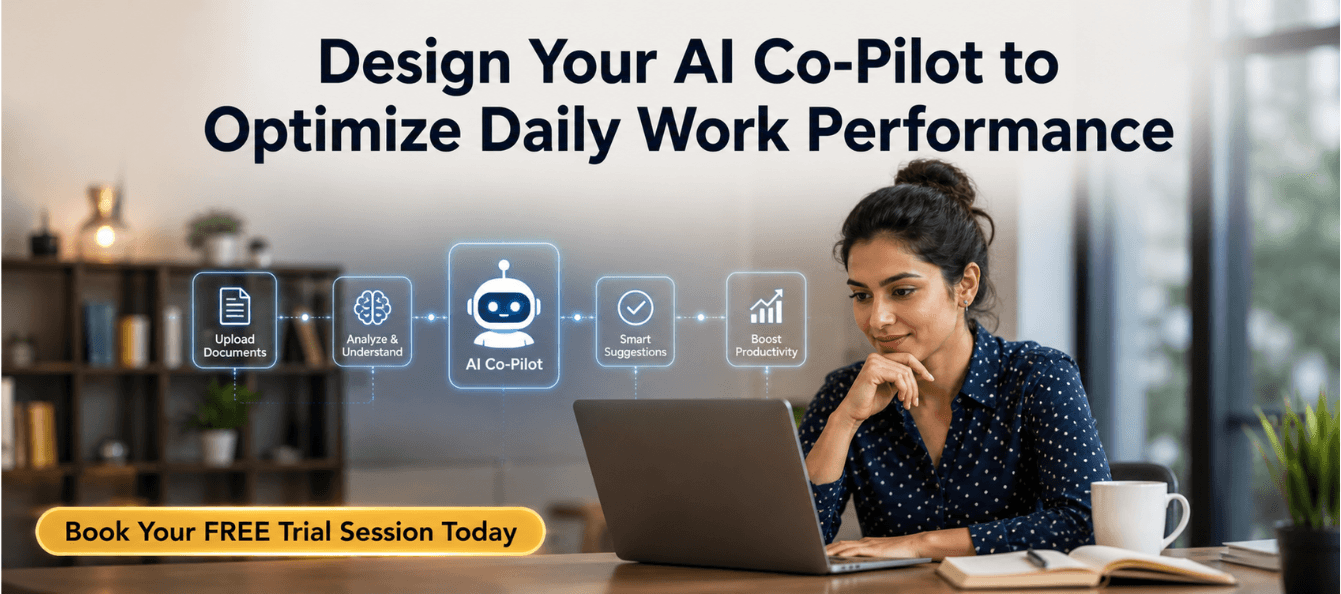
Download these resources and apply them alongside your daily work for improved clarity, productivity, and professional growth. You can also book a free trial to gain expert guidance and enhance your communication, problem-solving, and decision-making skills. The materials are designed in a clear, structured format to help professionals learn efficiently and implement insights with confidence.
Who Is This Blog For?
This blog is for working professionals who are looking to optimize their workday, streamline their processes, and elevate their career with the help of artificial intelligence. Specifically, it is aimed at:
- Mid to senior-level managers
- Professionals looking to increase productivity
- Knowledge workers seeking to automate repetitive tasks
- Leaders aiming to improve decision-making and strategic thinking
Why This Topic Matters Today?
With an ever-increasing workload, many professionals find themselves stuck in a cycle of low-value, repetitive tasks—writing emails, preparing reports, attending endless meetings, and doing research. According to research, knowledge workers spend about 60-70% of their time on information processing tasks, which could easily be automated using AI tools. This inefficiency leads to burnout, decision fatigue, and inconsistent output quality.
AI tools such as ChatGPT, Claude, Gemini, and others have now become professional infrastructure. They aren't novelties anymore; they are essential tools that can empower professionals to work smarter, not harder. By leveraging AI as your personal assistant, you can stop drowning in tasks and start leading with leverage.
Core Concept or Framework Explained
The core idea behind building a personal AI Co-Pilot is to identify high-leverage tasks that can be offloaded to AI, allowing you to focus on high-judgment work that truly defines your professional value. To do this effectively, you need to:
1. Audit Your Work: Identify which tasks you spend the most time on and classify them into high-judgment tasks (that require your personal expertise) and AI-ready tasks (such as drafting emails or summarizing reports).
2. Build an AI Stack: Create a system of tools tailored to different domains of your work. Whether it's communication, research, planning, or learning, assign specific AI tools to each domain for maximum efficiency.
3. Master Prompt Engineering: The output quality of AI depends entirely on the quality of input. Using a simple framework like RACE (Role, Action, Context, Expectation) can help you craft precise, effective prompts.
4. Integrate AI into Your Daily Routine: Use AI regularly to automate repetitive tasks—whether it's drafting reports, summarizing meeting notes, or performing research. Consistent AI interactions throughout the day will compound the benefits over time.
How This Blog and Guidebook Help You?
This blog and the accompanying guidebook serve as a step-by-step playbook to help you design your own personalized AI Co-Pilot. By following the structure provided in the guide, you'll be able to:
- Save Time: Automate mundane tasks that eat up your time, freeing you to focus on strategic decision-making.
- Improve Output Quality: AI helps streamline processes, but you remain the final editor and decision-maker, ensuring the output aligns with your professional goals.
- Increase Productivity: By embedding AI into your daily routine, you can drastically improve the efficiency and effectiveness of your work.
- Strengthen Professional Development: With less time spent on repetitive tasks, you can dedicate more time to skill-building, leadership, and learning.
Step-by-Step Breakdown
1. Audit Your Work: Where Is Your Time Actually Going?
Start by identifying where your time goes each day. Pull up your calendar and task list from the last two weeks and sort them into categories:
- High-Judgment Tasks (Keep Yourself): Strategic decisions, stakeholder relationships, mentoring, etc.
- AI-Ready Tasks (Delegate Immediately): Email drafts, meeting notes, research synthesis, etc.
Once you've categorized your tasks, identify the top five tasks that could benefit from AI assistance. For instance, tasks like writing first drafts or summarizing meeting notes are ideal candidates for automation.
2. The AI Co-Pilot Architecture: Your Four Work Domains
Your AI Co-Pilot should consist of a set of tools that align with four key work domains:
- Communication and Writing: Use AI for writing emails, reports, and other content.
- Research and Analysis: Use AI to synthesize research and summarize key insights.
- Planning and Organisation: Use AI for project planning, goal setting, and prioritization.
- Learning and Upskilling: Leverage AI as a tutor or sparring partner to accelerate skill-building.
3. Prompt Engineering: Teaching Your Co-Pilot to Think Like You
To ensure your AI Co-Pilot delivers tailored results, you need to master prompt engineering. Use the RACE framework:
- Role: Define the role of AI (e.g., "Act as a project manager").
- Action: Specify the task (e.g., "Write a 3-paragraph email").
- Context: Provide necessary background (e.g., audience, tone).
- Expectation: Set clear output guidelines (e.g., "No jargon, under 200 words").
4. Build Your Prompt Library: The Asset That Compounds
A single great prompt is a valuable asset. Over time, your AI prompt library will become one of your most useful professional resources. Start by saving prompts that you use consistently, and build this library incrementally over time.
5. Choosing Your Tools: The AI Stack for Working Professionals
Build a lean AI stack with a primary thinking partner (e.g., ChatGPT or Claude), domain-specific tools (e.g., Grammarly for editing), and automation tools (e.g., Zapier) to connect your apps and workflows.
6. The DailyAI Rhythm: Integrating Your Co-Pilot Into Every Workday
To get the most out of your AI Co-Pilot, integrate AI into your daily rhythm:
- Morning: Use AI for a daily briefing to prioritize tasks.
- Mid-Morning: Use AI to draft time-consuming documents.
- Lunch: Use AI for quick research synthesis.
- End of Day: Use AI to summarize completed tasks and prepare for the next day.
7. Real-World Application: Case Study of Priya
Priya, a marketing manager, implemented an AI Co-Pilot over 30 days and reclaimed 8-10 hours per week. By integrating AI into her routine, she stopped feeling overwhelmed by repetitive tasks and regained control of her strategic work.
Common Mistakes or Pitfalls to Avoid
Many professionals make small but impactful mistakes when using AI:
- Mistake 1: Using AI for One-Off Tasks
Fix: Use AI for recurring tasks consistently.
- Mistake 2: Vague Prompts
Fix: Use the RACE framework for clarity.
- Mistake 3: Not Saving Good Prompts
Fix: Build a prompt library.
- Mistake 4: Expecting AI to Replace Judgment
Fix: Always review AI outputs before publishing.
- Mistake 5: Tool Overload
Fix: Build a lean tool stack.
- Mistake 6: Data Privacy Issues
Fix: Anonymize sensitive information.
How Should You Use This Guidebook Effectively?
To make the most of this guidebook:
- Time Investment: Dedicate a few hours each week to building and refining your AI Co-Pilot.
- Workflow: Start by auditing your tasks, then gradually build your AI stack and integrate AI into your daily routine. The more you use AI, the more effective it becomes.
Key Takeaways
- Audit your tasks to identify AI-ready opportunities.
- Master prompt engineering with the RACE framework.
- Build a prompt library for recurring tasks.
- Keep your AI tool stack lean and efficient.
- Integrate AI into your daily workflow for long-term benefits.
Your Next Step: Accelerate Your Career with PlanetSpark
Creating an impact-driven resume is not just about landing your next job—it’s about owning your professional story and presenting it with clarity, confidence, and credibility. When your resume clearly communicates value, results, and impact, opportunities follow naturally.
At PlanetSpark, we are committed to empowering working professionals with practical, outcome-focused resources that drive real career growth. From resume building and workplace communication to leadership presence and professional writing, our programs are designed to help you succeed in today’s fast-evolving job market.
Visit https://www.planetspark.in/resources to explore:
- Career and resume-building guides
- Workplace communication and professional writing resources
- Skill-development tools curated for working professionals
Want a deeper, hands-on experience?
You can also book a free trial session to learn more about PlanetSpark’s Working Professional Courses, designed to accelerate your career through personalised coaching, real-world practice, and expert guidance.
Your career deserves more than generic advice.
It deserves clarity, confidence, and measurable impact.
Personalized Communication Roadmaps
Record a video to get a AI generated personalized communication reports