
How to Audit and Optimize Your Workflow Using AI Tools
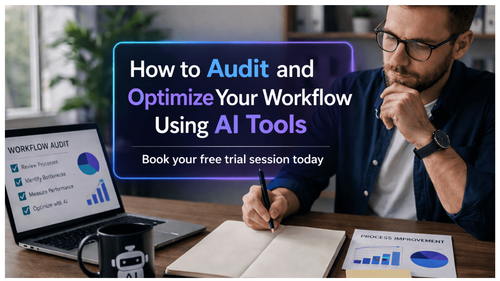

Audit and Optimize Your Workflows Using AI-Based Tools
Most professionals don’t have a time problem—they have a workflow problem. Your calendar is full, your tasks are endless, and yet meaningful progress often feels slower than it should. The real issue? Hidden inefficiencies baked into your daily work. According to the guidebook, knowledge workers lose nearly 60% of their time to low-value, repetitive tasks that could be automated or optimised.
What makes this worse is that these inefficiencies are invisible. You don’t notice them because they’ve become routine—copy-pasting data, chasing approvals, switching tools, attending unnecessary meetings. Over time, this drains your cognitive energy and reduces your ability to focus on high-impact work.
Here’s the uncomfortable truth: working harder won’t fix this. If your workflow is broken, more effort only amplifies the inefficiency. The professionals who are accelerating today are not doing more—they are redesigning how they work using AI.
This blog is based on a practical, structured system from an AI Workflow Audit guidebook that shows you how to identify bottlenecks, eliminate wasted effort, and redesign your workflows using AI. Instead of guessing what’s slowing you down, you’ll use data, analysis, and intelligent tools to build a system that continuously improves how you work—freeing up time, increasing output quality, and giving you back control of your workday.
The real competitive advantage isn’t who works the longest hours—it’s who builds the smartest system. Once you start treating your workflow like a product that needs continuous optimization, everything changes. You stop reacting to work and start engineering how work gets done. By systematically identifying inefficiencies, leveraging AI for automation, and redesigning your execution model, you create a compounding effect—less friction, higher output, and sharper focus on what actually moves the needle. The question is no longer “How do I get through my tasks?” but “How do I eliminate the need for most of them?” That shift is where true productivity—and professional leverage—begins.
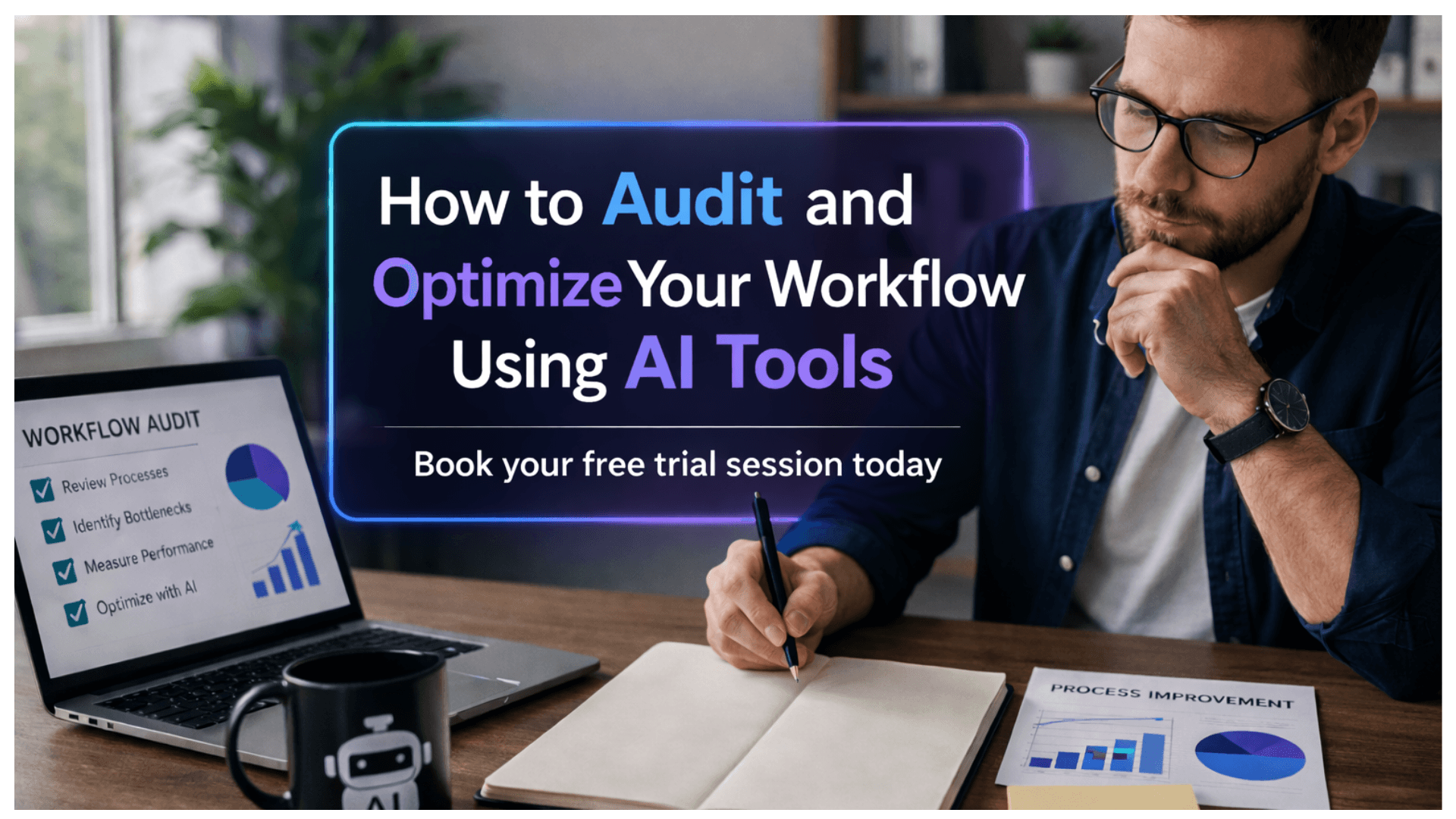
Book your free trial session today with Planetspark.
Download for more details or PDF file.
Who Is This Blog For?
This blog and the accompanying guidebook are designed for:
- Working professionals with 0–15 years of experience facing workload inefficiencies
- Managers and team leads struggling with process bottlenecks
- Consultants handling repetitive client workflows
- Career switchers adapting to new systems and tools
- Professionals overwhelmed by coordination, reporting, and admin tasks
- Anyone looking to use AI to optimise how they work
Why This Topic Matters Today?
Work has changed—but workflows haven’t.
As highlighted in the guidebook, professionals lose 2–3 hours daily due to avoidable inefficiencies embedded in routine processes. These inefficiencies are not dramatic failures—they’re small, repeated friction points that compound over time.
At the same time:
- Work environments are tool-heavy, increasing context switching
- Teams are more distributed, creating dependency delays
- Output expectations are higher, but systems remain outdated
The result? You’re busy all day but still feel behind.
AI has fundamentally shifted this equation. Modern AI tools can:
- Analyse workflow patterns across tasks
- Identify inefficiencies objectively
- Suggest optimised alternatives in hours, not weeks
The gap is no longer access to tools—it’s knowing how to use them systematically.
Core Concept or Framework Explained
The core idea of this guidebook is simple but powerful: your workflow should be managed as a system, not a set of disconnected tasks.
At the heart of the approach is a five-phase AI workflow audit framework:
- Map – Document how your workflows actually operate
- Measure – Capture real data on time, effort, and inefficiencies
- Analyse – Use AI to identify patterns and root causes
- Redesign – Build improved workflows using AI and automation
- Implement and Monitor – Roll out changes and track results
This framework transforms your role from task executor to system designer.
Instead of reacting to work, you begin to engineer how work flows—using AI as your analytical and design partner.
How This Blog and Guidebook Help You?
This blog and guidebook help you move from reactive work habits to structured efficiency.
You will be able to:
- Identify where your time is actually going
- Eliminate repetitive and low-value tasks
- Reduce tool-switching and cognitive overload
- Build smarter workflows using AI and automation
- Improve output quality with less effort
- Create a repeatable system for continuous improvement
The outcome is not just productivity—it’s control, clarity, and scalability in your work.
Step-by-Step Breakdown
Step 1: Map Your Current Workflows
You cannot fix what you cannot see.
The guidebook recommends tracking your work for 3–5 days in detail, capturing:
- Every task in 30-minute blocks
- Categories like core work, coordination, admin, and interruptions
- Tools used, inputs, outputs, and time spent
For example, a recruitment workflow may include resume screening, tagging candidates, and coordinating with hiring managers—often involving multiple tools and manual steps.
This creates your “ground truth” layer.
Step 2: Measure What Actually Happens
This is where most professionals get exposed—in a good way.
Instead of relying on assumptions, you collect real data:
- Time spent per task
- Tool-switching frequency
- Error and rework rates
- Dependency delays
The guidebook highlights that each tool switch can cost up to 20 minutes of focus.
This phase converts perception into measurable insight.
Step 3: Analyse Using AI
Now comes the leverage.
Using AI tools, you:
- Identify high-cost, low-value activities
- Compare your workflow against benchmarks
- Uncover root causes of inefficiencies
For example, a task taking too long may not be the problem—it may be caused by disconnected tools or manual data transfers.
AI helps you see patterns you would otherwise miss.
Step 4: Redesign Workflows with AI
This is where transformation happens.
For each major inefficiency:
- Define the ideal outcome
- Generate 2–3 AI-assisted redesign options
- Evaluate based on time saved, effort, and feasibility
Example:
A manual reporting process taking 3 hours weekly can be redesigned using automation tools to reduce it to 30–40 minutes.
The goal is not small tweaks—it’s smarter systems.
Step 5: Implement and Monitor
Execution is where most systems fail—this one doesn’t.
The guidebook recommends:
- Starting with quick wins
- Implementing 1–2 changes per week
- Tracking performance against baseline metrics
- Running monthly reviews
Over time, improvements compound—turning this into a long-term capability, not a one-time fix.
Common Mistakes or Pitfalls to Avoid
The guidebook highlights critical mistakes professionals make:
- Skipping workflow mapping and jumping straight to tools
- Using estimated data instead of actual measurements
- Fixing visible problems without identifying root causes
- Implementing too many changes at once
- Ignoring monitoring after implementation
- Over-relying on AI without applying judgement
- Running audits in isolation without stakeholder alignment
These mistakes don’t just slow progress—they break the system.
How Should You Use This Guidebook Effectively?
To maximise results:
- Start with the pre-audit checklist to ensure readiness
- Spend 20–30 minutes on reflection questions before starting
- Track your workflows honestly—no filtering
- Collect at least 1–2 weeks of real data
- Focus on top 3 inefficiencies first
- Use a structured redesign canvas for clarity
- Follow a 30-day execution plan
The guidebook suggests a total investment of around 12 hours over 30 days—less than 3 hours per week for significant productivity gains.
Key Takeaways
- Most professionals lose hours daily to hidden workflow inefficiencies
- AI enables faster, data-driven workflow optimisation
- The five-phase framework ensures structured improvement
- Real data is more reliable than perception
- Root cause analysis drives meaningful change
- Small, consistent improvements outperform massive overhauls
- Workflow optimisation is not a project—it is an ongoing practice
Your Next Step: Accelerate Your Career with PlanetSpark
Creating an impact-driven resume is not just about landing your next job—it’s about owning your professional story and presenting it with clarity, confidence, and credibility. When your resume clearly communicates value, results, and impact, opportunities follow naturally.
At PlanetSpark, we are committed to empowering working professionals with practical, outcome-focused resources that drive real career growth. From resume building and workplace communication to leadership presence and professional writing, our programs are designed to help you succeed in today’s fast-evolving job market.
Visit https://www.planetspark.in/resources to explore:
- Career and resume-building guides
- Workplace communication and professional writing resources
- Skill-development tools curated for working professionals
Want a deeper, hands-on experience?
You can also book a free trial session to learn more about PlanetSpark’s Working Professional Courses, designed to accelerate your career through personalised coaching, real-world practice, and expert guidance.
Your career deserves more than generic advice.
It deserves clarity, confidence, and measurable impact.
Personalized Communication Roadmaps
Record a video to get a AI generated personalized communication reports