
How to Automate and Optimize Your Personal Life for Greater Efficiency
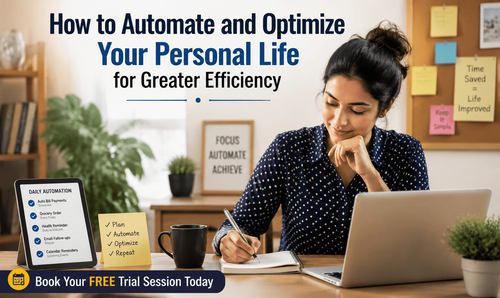

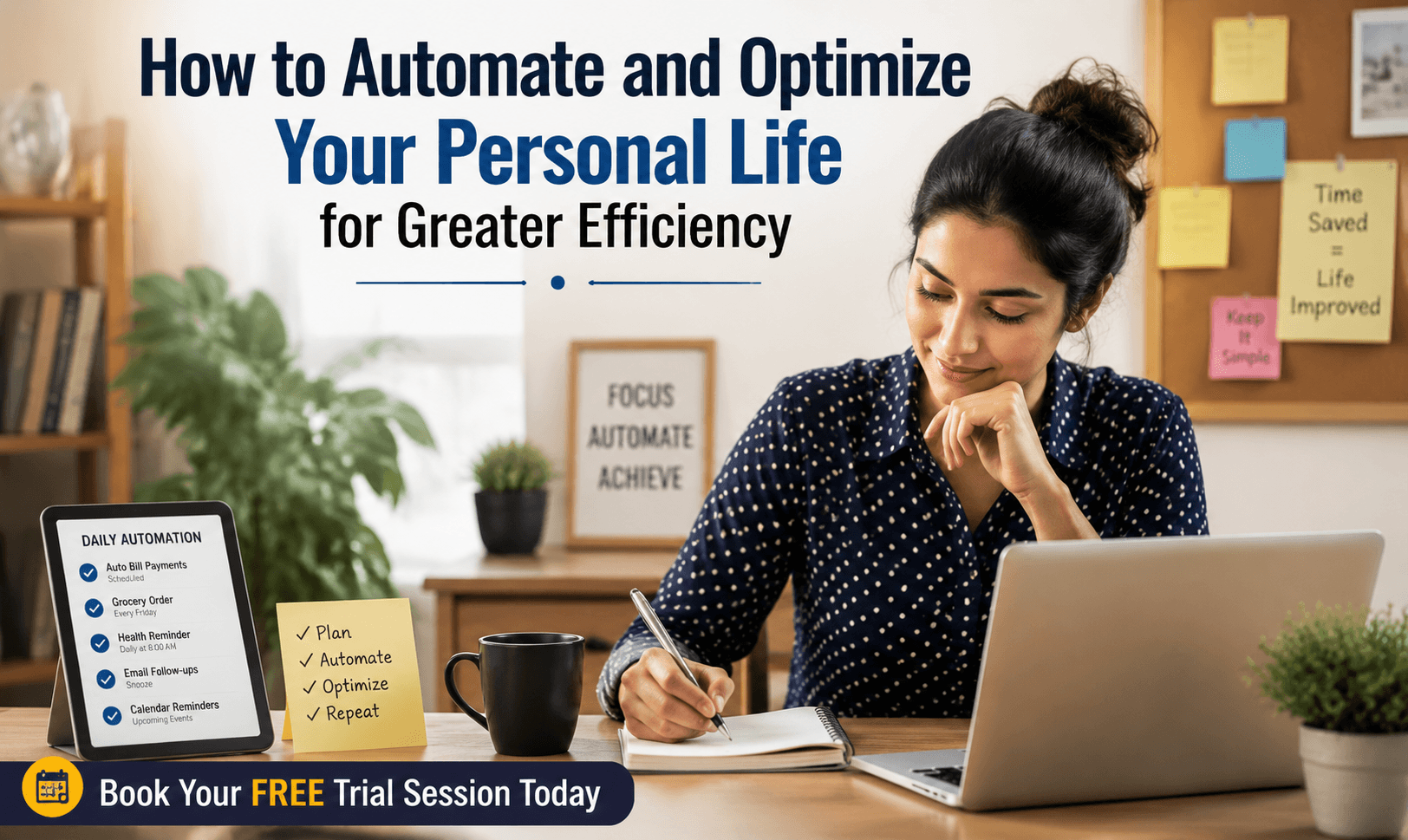
How to Perform Automation in Personal Life Tasks for Greater Efficiency: A Complete Guide for Busy Professionals
In today’s fast-paced world, working professionals often juggle countless tasks—from managing projects at work to keeping up with personal responsibilities. But what if you could reclaim hours every week by automating your routine life tasks? By adopting simple automation systems, you can reduce mental load, free up time, and increase productivity without the need for technical expertise. This guide provides you with ready-to-use tools, scripts, and automation frameworks that you can implement in no time.
Download these resources and apply them alongside your daily work for improved clarity, productivity, and professional growth. You can also book a free trial to gain expert guidance and enhance your communication, problem-solving, and decision-making skills. The materials are designed in a clear, structured format to help professionals learn efficiently and implement insights with confidence.
Who Is This Blog For?
Career switchers, consultants, managers, and early-mid career professionals juggling work and life demands
Individuals who want to automate personal tasks to save time and reduce stress
Those interested in improving life efficiency without a tech background
Professionals who want to reduce cognitive load and focus more on high-priority work
Busy individuals seeking clear and practical automation tools for personal and home management.
Why This Topic Matters Today?
In a time where work-life balance is a growing concern, automation offers a solution to the mental clutter that takes away from your focus. Research in cognitive science shows that the average person makes over 35,000 decisions per day, many of them related to repetitive, mundane personal tasks. These “micro-decisions” accumulate, draining energy and mental bandwidth. When tasks like bill payments, grocery shopping, or health reminders are automated, you can redirect your attention to more meaningful endeavors.
With nearly 73% of professionals reporting reduced stress after automating personal tasks, it's clear that automation isn't just a luxury—it’s a strategic career tool that helps you stay focused on what truly matters.
Core Concept or Framework Explained
The foundation of this approach lies in the P.A.C.E. framework, a four-step model for evaluating tasks in your personal life and determining whether they’re worth automating. By applying this framework, you’ll avoid the common pitfalls of automating unnecessary tasks and ensure that your efforts go toward streamlining processes that truly benefit you.
Pinpoint: Identify recurring tasks that you do more than once per month.
Assign: Match tasks to tools, scripts, or systems that can handle them automatically.
Configure: Set up automation using simple tools and triggers.
Evaluate: Regularly review your systems to improve or eliminate processes that no longer serve you.
How This Blog and Guidebook Help You?
This blog, along with the guidebook, empowers you to automate mundane tasks efficiently with minimal setup. It offers:
Clear instructions for automating common personal tasks (finances, home management, health, etc.)
Ready-to-use scripts and templates that save you time and reduce decision fatigue
Practical advice on how to use automation to increase your focus and productivity
By implementing these automation systems, you'll be able to reclaim hours of lost time every week and achieve greater mental clarity.
Step-by-Step Breakdown
Step 1: Automate Your Finances
Auto-Pay + Smart Savings Split: Set up standing instructions to auto-route funds for bills, savings, and investments.
Bill Payment Automation: Schedule monthly payments for utility bills, subscriptions, and rent.
Expense Tracking: Use apps like IFTTT and Google Sheets to track spending automatically.
Example: Set up a recurring Google Calendar reminder titled "⚡Bill Review – Check Auto-Debits" to ensure you never miss a payment.
Step 2: Automate Home & Health
Grocery Automation: Create a shared Google Keep list to automatically reorder groceries when you run out.
Health & Wellness Reminders: Use Google Assistant or Alexa to remind you about supplements, medical appointments, or bedtime routines.
Example: Set a Google Calendar event titled "📋Book Annual Health Panel" to remind you each year of your health checkup.
Step 3: Communication & Admin
Email Canned Responses: Create templates for common emails like meeting requests and follow-ups in Gmail.
Inbox Filtering: Set up Gmail filters to automatically label and archive newsletters and receipts.
Follow-Up Reminders: Use Boomerang or Gmail’s "Snooze" feature to track follow-up emails and avoid losing track.
Example: Create a filter in Gmail that automatically labels finance-related emails, reducing inbox clutter.
Common Mistakes or Pitfalls to Avoid
Automating Before Simplifying: Don’t automate tasks that are already too complex or inefficient. First, simplify the task, then automate.
Over-Engineering the System: Start with simple solutions. A Google Calendar alert often works better than a complex automation tool.
No Review Cadence: Set a regular time each month to review your automation systems, ensuring they’re still working effectively.
Single Point of Failure: Don’t rely on one tool for everything—spread your automations across multiple platforms.
Automating Emotional Tasks: Avoid automating tasks that require personal touch or emotional intelligence, such as birthday messages.
How Should You Use This Guidebook Effectively?
Step 1: Complete the Personal Automation Audit worksheet to identify your top tasks to automate.
Step 2: Select the task and implement the easiest automation tool or script (e.g., Google Calendar reminders or bank auto-transfers).
Step 3: Review your systems regularly, ensuring they still meet your evolving needs.
This guide helps you take a simple approach—start with one small automation, build momentum, and refine your systems over time. The time investment is minimal, but the payoff in terms of mental clarity and productivity is significant.
Key Takeaways:
Automating personal life tasks helps free up time and reduce cognitive load.
Use the P.A.C.E. framework to identify tasks worth automating.
Focus on automating repetitive, low-judgement tasks to maximize time savings.
Keep your systems simple, and review them regularly to ensure ongoing effectiveness.
Don’t automate tasks that require emotional intelligence or creative input.
Your Next Step: Accelerate Your Career with PlanetSpark
Creating an impact-driven resume is not just about landing your next job—it’s about owning your professional story and presenting it with clarity, confidence, and credibility. When your resume clearly communicates value, results, and impact, opportunities follow naturally.
At PlanetSpark, we are committed to empowering working professionals with practical, outcome-focused resources that drive real career growth. From resume building and workplace communication to leadership presence and professional writing, our programs are designed to help you succeed in today’s fast-evolving job market.
Visit https://www.planetspark.in/resources
to explore:
Career and resume-building guides
Workplace communication and professional writing resources
Skill-development tools curated for working professionals.
Want a deeper, hands-on experience?
You can also book a free trial session to learn more about PlanetSpark’s Working Professional Courses, designed to accelerate your career through personalised coaching, real-world practice, and expert guidance.
Your career deserves more than generic advice.
It deserves clarity, confidence, and measurable impact.
Start building that advantage today—with PlanetSpark.
Personalized Communication Roadmaps
Record a video to get a AI generated personalized communication reports