
Avoid AI Overload: Smart Tool Management Guide for Professionals
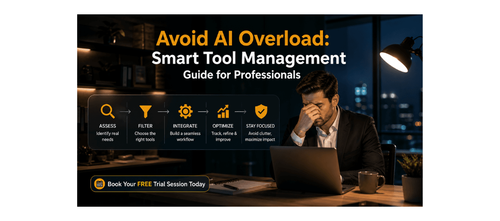

Avoiding AI Overload and Tool Fatigue While Staying Productive and Focused at Work
In today’s fast-moving digital workplace, AI tools are everywhere. Every week, new platforms promise better productivity, faster workflows, and smarter execution. Yet, instead of feeling more efficient, many professionals feel overwhelmed, distracted, and mentally drained.
You sign up for tools with good intentions, but within weeks, they turn into unused subscriptions, half-learned platforms, and fragmented workflows. Instead of simplifying your work, AI starts adding complexity.
This is not a problem of capability—it is a problem of clarity and system design.
Most professionals are not taught how to choose the right tools, how to use them effectively, or when to stop adopting new ones. The result is AI overload: too many tools, too little focus, and declining productivity.
This blog is based on a practical playbook designed to help working professionals eliminate tool fatigue, simplify their workflows, and use AI with clarity, confidence, and control. It introduces structured frameworks, decision filters, and daily habits that transform AI from chaos into a focused productivity system.
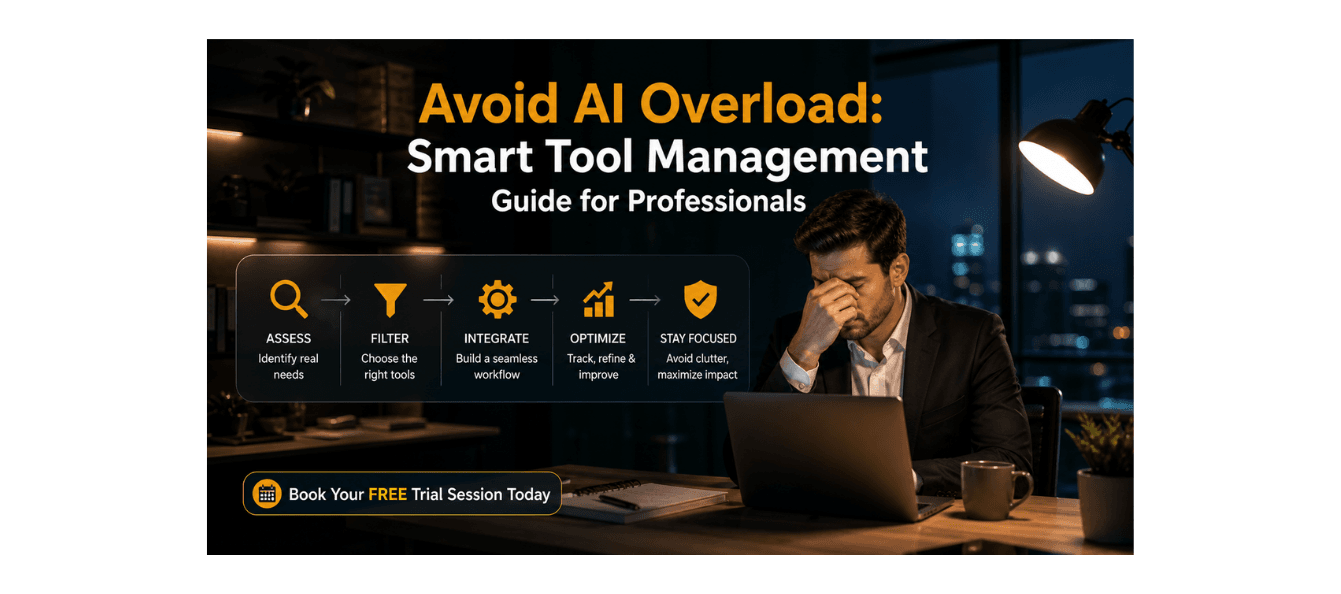
Download these resources and apply them alongside your daily work for improved clarity, productivity, and professional growth. You can also book a free trial to gain expert guidance and enhance your communication, problem-solving, and decision-making skills. The materials are designed in a clear, structured format to help professionals learn efficiently and implement insights with confidence.
Who Is This Blog For?
- Working professionals overwhelmed by too many AI tools
- Managers and consultants juggling multiple platforms
- Career switchers trying to learn AI efficiently
- Early to mid-career professionals adopting new technologies
- Anyone struggling with productivity despite using AI tools
Why This Topic Matters Today?
The average professional is exposed to dozens of new AI tools every quarter, creating a constant pressure to keep up. According to the playbook, this leads to decision paralysis, context-switching fatigue, and guilt-driven tool adoption.
Common challenges include:
- Signing up for tools but not using them effectively
- Switching between multiple platforms for the same task
- Spending more time learning tools than doing actual work
- Feeling behind due to constant exposure to new technologies
This creates a cycle where productivity decreases instead of improving.
The solution is not more tools—it is better systems.
Core Concept or Framework Explained
The foundation of this guide is the 3-Layer Framework for sustainable AI usage:
Awareness
Understand your actual needs before adopting any tool.
Selection
Choose tools based on clear criteria, not trends or hype.
Discipline
Build habits and boundaries to maintain focus and consistency.
Most professionals skip Awareness and jump directly to tools, which leads to overload within weeks.
This framework ensures that AI usage is intentional, efficient, and sustainable.
How This Blog and Guidebook Help You?
This blog and playbook provide:
- A clear method to audit and reduce your tool stack
- A decision-making framework for selecting the right tools
- A system to avoid unnecessary tool adoption
- Daily and weekly habits to maintain productivity
- Real-world examples of reducing overload while improving output
The result is a focused, high-impact AI workflow.
Step-by-Step Breakdown
Step 1: Recognise the Signs of AI Overload
Before solving the problem, identify it.
Common signs include:
- Multiple unused tools or subscriptions
- Constant switching between platforms
- Spending more time learning than executing
- Feeling overwhelmed by new tools
If two or more of these apply, you are already experiencing tool fatigue.
Step 2: Audit Your Current Tool Stack
Start with a 15-minute audit.
Actions:
- List all tools you use
- Note when each was last used
- Identify its primary function
- Decide whether to keep, review, or remove
Key rules:
- Remove tools unused for 30+ days
- Eliminate duplicates performing the same job
- Cut tools that require excessive learning effort
Most professionals discover they already have what they need.
Step 3: Apply the JOLT Decision Framework
Before adding any new tool, evaluate it using four criteria:
Job to Be Done
Does the tool solve a specific problem?
Overlap Check
Do existing tools already provide similar functionality?
Learning Cost
Is the time investment justified?
Time to ROI
Will the tool deliver value quickly?
If a tool fails any of these checks, avoid adopting it.
Step 4: Build a Minimum Viable Tool Stack
Focus on simplicity.
Principles:
- One tool per job category
- Limit total tools to essential functions
- Prioritise depth over variety
This reduces cognitive load and improves efficiency.
Step 5: Establish Anti-Fatigue Rituals
Consistency prevents relapse into overload.
Weekly habits:
- Monday: Review and confirm your tool stack
- Mid-week: Deepen expertise in one tool
- Friday: Reflect on what worked and what didn’t
These routines keep your system lean and effective.
Step 6: Set Clear Boundaries for Tool Usage
Boundaries protect your focus.
Examples:
- No trial days for new tools
- 48-hour rule before adopting any new tool
- One-in, one-out policy
These rules prevent impulsive decisions.
Step 7: Learn from Real-World Application
A case study in the playbook highlights a marketing manager who reduced their tool stack from 23 tools to just 5.
Key outcomes:
- 40% increase in productivity
- Significant cost savings
- Improved focus and execution
This demonstrates that fewer tools lead to better results.
Step 8: Continuously Review and Optimise
AI usage is not static.
Best practices:
- Conduct tool audits every 60 days
- Re-evaluate tool relevance
- Adjust workflows based on needs
This ensures long-term sustainability.
Common Mistakes or Pitfalls to Avoid
Many professionals fall into predictable traps when adopting AI tools.
Common errors include:
- Adopting tools without a clear purpose
- Running multiple tools for the same task
- Treating AI output as final without review
- Skipping onboarding and learning
- Never revisiting their tool stack
A better approach is to:
- Use structured decision frameworks
- Focus on mastery of fewer tools
- Maintain regular audits and reviews
How Should You Use This Guidebook Effectively?
To maximise results:
- Conduct your tool audit today
- Apply the JOLT filter before any new tool
- Build a simplified tool stack
- Follow weekly discipline rituals
Suggested workflow:
- Daily: Use tools intentionally
- Weekly: Review usage and efficiency
- Bi-monthly: Conduct full tool audit
Time investment:
- Initial audit: 15–20 minutes
- Weekly maintenance: 10–15 minutes
Small, consistent actions lead to significant improvements.
Key Takeaways
- AI overload is a system problem, not a capability problem
- Fewer tools lead to better productivity
- The 3-layer framework ensures sustainable AI usage
- The JOLT filter prevents unnecessary tool adoption
- A minimum viable tool stack reduces cognitive load
- Weekly rituals maintain long-term efficiency
- Clear boundaries prevent tool fatigue
- Regular audits ensure continuous optimisation
Your Next Step: Accelerate Your Career with PlanetSpark
Creating an impact-driven resume is not just about landing your next job—it’s about owning your professional story and presenting it with clarity, confidence, and credibility. When your resume clearly communicates value, results, and impact, opportunities follow naturally.
At PlanetSpark, we are committed to empowering working professionals with practical, outcome-focused resources that drive real career growth. From resume building and workplace communication to leadership presence and professional writing, our programs are designed to help you succeed in today’s fast-evolving job market.
Visit https://www.planetspark.in/resources to explore:
- Career and resume-building guides
- Workplace communication and professional writing resources
- Skill-development tools curated for working professionals
Want a deeper, hands-on experience?
You can also book a free trial session to learn more about PlanetSpark’s Working Professional Courses, designed to accelerate your career through personalised coaching, real-world practice, and expert guidance.
Your career deserves more than generic advice.
It deserves clarity, confidence, and measurable impact.
Start building that advantage today—with PlanetSpark.
Personalized Communication Roadmaps
Record a video to get a AI generated personalized communication reports