
Staying Focused While Managing Multiple AI Tools at Work
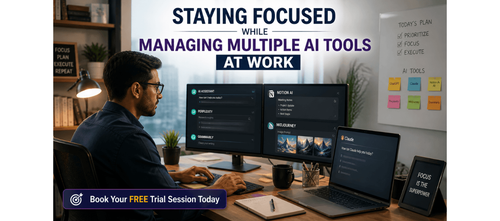

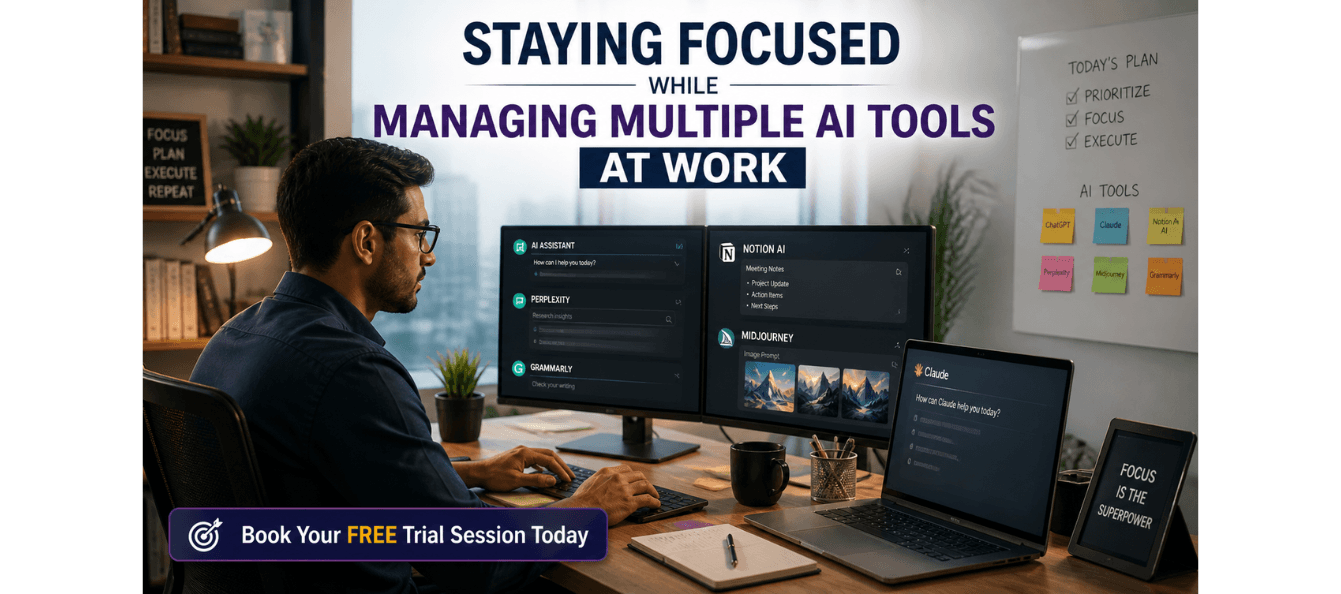
Manage AI Tools Without Losing Focus and Clarity
In the fast-evolving world of artificial intelligence (AI), the tools at your disposal offer immense opportunities to boost productivity and enhance your work. However, the sheer number of AI tools and their growing complexity can quickly become overwhelming. From constant tool-switching to second-guessing AI outputs, many professionals struggle to use AI strategically without getting lost in the process.
This guide is designed to help you harness the power of AI without becoming distracted, dependent, or overwhelmed. It provides a clear framework to help you use AI tools efficiently, maintain your original thinking, and stay in control of your work.
Download these resources and apply them alongside your daily work for improved clarity, productivity, and professional growth. You can also book a free trial to gain expert guidance and enhance your communication, problem-solving, and decision-making skills. The materials are designed in a clear, structured format to help professionals learn efficiently and implement insights with confidence.
Who Is This Blog For?
- Professionals feeling overwhelmed by AI tool overload
- Career switchers integrating AI tools into their workflows
- Consultants, managers, and leaders who want to stay in control while using AI
- Early-to-mid career professionals who aim to use AI strategically
- Anyone seeking to avoid AI dependency and maintain clarity in their work
Why This Topic Matters Today?
AI tools have taken the workplace by storm, with tools like ChatGPT, Copilot, Gemini, and Perplexity offering professionals powerful ways to speed up their work. However, as the number of available tools increases, so does the complexity of managing them. It’s easy to feel distracted by constant tool-switching or to lose focus on the bigger picture when you rely too much on AI.
The key to thriving in an AI-powered world isn’t using AI tools more often; it’s using them in a way that enhances your productivity without undermining your creative thinking or original voice. This blog will walk you through how to manage AI tools without falling into the trap of overuse, distraction, or dependency.
By following this approach, you will:
- Keep control over your thinking and creativity
- Avoid AI tool overload and decision fatigue
- Set clear boundaries for AI use to maintain focus
- Increase productivity without sacrificing quality
Core Concept or Framework Explained
The core issue professionals face is not the technology itself but the relationship with AI tools. Many fall into one of three user profiles: the Avoider, the Overuser, and the Strategic User. The goal is to move towards the Strategic User profile, where AI is used intentionally and in a way that supports, rather than diminishes, your expertise.
1. Avoider: This user resists AI due to skepticism or fear, potentially missing out on valuable efficiency gains.
2. Overuser: This user delegates everything to AI, leading to a loss of originality and critical thinking. Work often becomes generic and impersonal.
3. Strategic User: This is the ideal profile, where AI is used as a collaborator. The Strategic User defines clear boundaries for AI use and critically evaluates the output.
The goal is to develop a strategic relationship with AI where it amplifies your productivity without eroding your creativity or expertise.
How This Blog and Guidebook Help You?
This guide and the blog will help you:
- Understand your AI relationship: Recognize whether you're an Avoider, Overuser, or Strategic User and move toward becoming a Strategic User.
- Build a workflow: Use the Before/During/After framework to integrate AI effectively into your tasks without losing control.
- Maintain your voice: Protect your originality and ensure that AI outputs reflect your personal expertise and tone.
- Establish boundaries: Create clear guidelines for when AI should be used and when it should be avoided.
Step-by-Step Breakdown
Step 1: Understand Your Current AI Relationship
Before you can improve your AI habits, you need to understand how you are currently using AI. Are you an Avoider, Overuser, or Strategic User? Take the time to reflect on your AI habits and assess where you stand. Complete the AI Habits Audit worksheet to evaluate your AI usage.
Step 2: Build Your AI Workflow
To use AI strategically, you need a clear workflow. The Before/During/After framework helps you define your approach:
- Before: Clarify goals, set boundaries, and decide what AI will and won’t do.
- During: Use clear prompts and stay focused on the task at hand. Don’t let AI distract you.
- After: Review and own the output. Edit for voice, accuracy, and expertise.
Step 3: Create Your AI Boundary Map
Some tasks should be entirely yours, some should involve AI assistance, and some should be fully delegated to AI. Use the AI Boundary Map worksheet to define these boundaries and review it monthly. This helps you stay in control and avoid over-relying on AI.
Step 4: Protect Your Thinking Time
The greatest risk of AI tools is that they can erode your ability to think deeply. Set aside time to think before reaching for AI. Write rough notes, outline ideas, or brainstorm before prompting AI. Use the Focus Protection Checklist to ensure you are engaging in original thought before relying on AI to refine or expand your ideas.
Step 5: Review and Improve
As with any system, review and reflection are key. Set aside time each month to complete the Monthly AI Review. This helps you track your AI usage, assess its impact on your productivity, and identify areas for improvement.
Common Mistakes or Pitfalls to Avoid
Even experienced professionals can fall into predictable mistakes when using AI. Recognizing these patterns early is key to improving your AI usage. Some common mistakes include:
- Using AI as a First Step
Fix: Spend at least 5 minutes thinking about the task before opening any AI tool. Write rough notes first to preserve your original thought.
- Tool Hopping
Fix: Choose one AI tool for each task and stick to it for consistency. Avoid switching between tools mid-task.
- Skipping the Review
Fix: Never accept AI output without reviewing it thoroughly. Always edit for your voice, accuracy, and personal touch.
- No Boundaries
Fix: Complete your AI Boundary Map to define tasks that AI should own, assist with, or stay out of completely.
How Should You Use This Guidebook Effectively?
To get the most out of this guidebook:
- Week 1: Complete the AI Habits Audit and create your AI Boundary Map.
- Week 2: Implement the Focus Protection Checklist and test it for five consecutive workdays.
- Week 3: Set boundaries for AI use in your tasks and review the impact on your productivity.
- Week 4: Complete your first Monthly AI Review and adjust your habits for continued improvement.
Key Takeaways
- Know Your Profile: Recognize whether you're an Avoider, Overuser, or Strategic User, and aim to become a Strategic User.
- Use the Before/During/After Framework: Build a workflow for intentional AI use and maintain control over your tasks.
- Create Your AI Boundary Map: Define which tasks AI should handle and which should remain in your hands.
- Protect Your Thinking Time: Think first, use AI to enhance second. Prioritize your cognitive work before relying on AI.
- Review Monthly: Regularly assess your AI habits and adjust to improve your productivity and output quality.
Your Next Step: Accelerate Your Career with PlanetSpark
Creating an impact-driven resume is not just about landing your next job—it’s about owning your professional story and presenting it with clarity, confidence, and credibility. When your resume clearly communicates value, results, and impact, opportunities follow naturally.
At PlanetSpark, we are committed to empowering working professionals with practical, outcome-focused resources that drive real career growth. From resume building and workplace communication to leadership presence and professional writing, our programs are designed to help you succeed in today’s fast-evolving job market.
Visit https://www.planetspark.in/resources to explore:
- Career and resume-building guides
- Workplace communication and professional writing resources
- Skill-development tools curated for working professionals
Want a deeper, hands-on experience?
You can also book a free trial session to learn more about PlanetSpark’s Working Professional Courses, designed to accelerate your career through personalized coaching, real-world practice, and expert guidance.
Your career deserves more than generic advice.
It deserves clarity, confidence, and measurable impact.
Personalized Communication Roadmaps
Record a video to get a AI generated personalized communication reports