
Digital Workspace Setup Template

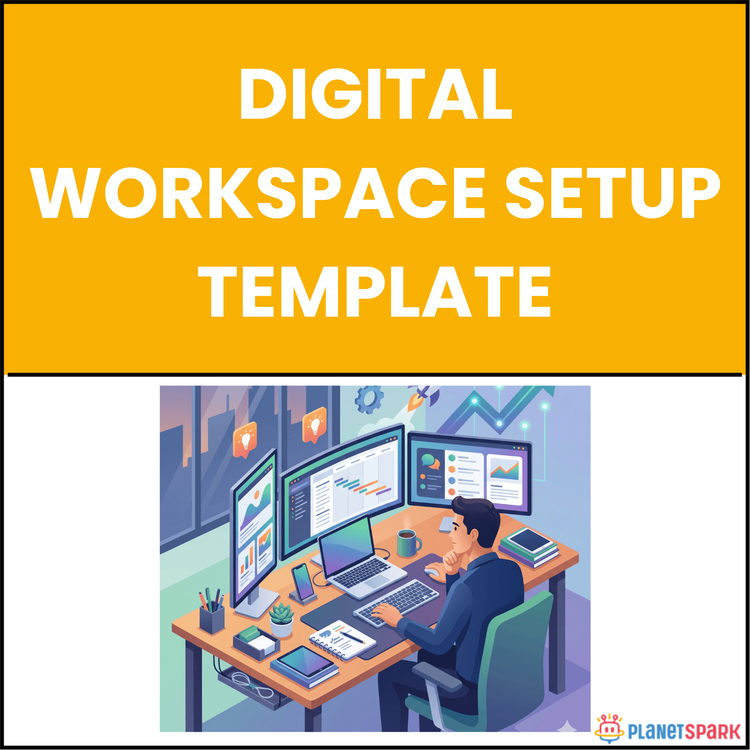
Digital Workspace Setup Template
Your Step-by-Step Guide to Building a Productive Environment: Mastering Digital Workspace Efficiency
As a working professional, your time is precious. Yet, how often do you find yourself sifting through cluttered files, switching between tools, and feeling overwhelmed by the chaos around you? The truth is, the way you organize your digital workspace can directly impact your productivity and focus. If you're constantly wasting hours each day looking for files, dealing with app overload, or recovering from distractions, it’s time for a change. That’s where our Digital Workspace Setup Template comes in — your ultimate playbook for creating a focused, efficient, and professional digital environment. This resource was designed specifically for busy professionals like you, helping you build a workspace that maximizes your time and effort.
Who Is This Resource For?
This resource is tailor-made for:
- Career Changers: Individuals transitioning into new roles or industries, who need a fresh, organized start.
- Consultants: Professionals managing multiple client streams who need streamlined processes and focus.
- Managers: Balancing team needs with personal output and productivity.
- Early-Career Professionals: Individuals looking to establish strong, effective digital workspace habits early in their careers.
What Does This Resource Contain?
The Digital Workspace Setup Template is a comprehensive, step-by-step guide divided into clear, actionable modules designed to optimize your workspace. Here's a breakdown of what you'll find inside:
- Workspace Audit Checklist: A practical tool to inventory and eliminate unnecessary apps, reducing digital clutter and decision fatigue.
- Core Stack Builder: Helps you select the essential tools for your work, ensuring that you have only what you need to stay productive without tool overload.
- File Architecture Design: A robust system to organize your files intuitively, ensuring you spend zero time searching for them.
- Daily Workflow Design: Instructions on how to structure your day to prioritize focused work and minimize distractions.
- Inbox Management Framework: A proven method for mastering your inbox, eliminating chaos and maintaining efficiency.
- Security Setup Checklist: Vital steps for securing your digital workspace and protecting sensitive information.
Summary of the Resource:
The Digital Workspace Setup Template provides you with the tools, frameworks, and step-by-step guidance to overhaul your digital environment and build a system that supports your goals. It covers the key areas of digital workspace organization: from tool selection and file management to workflow design and security setup. Each module is packed with actionable tips and templates, ensuring that you can implement these strategies immediately and see results fast.
How Will This Resource Be Useful?
By applying the principles and strategies in this resource, you'll:
- Save Time: Reduce the hours spent searching for files, switching between apps, and dealing with email overload.
- Boost Focus: Create an environment where priorities are visible, and distractions are minimized.
- Increase Productivity: Build workflows that help you stay on track and maximize output without working longer hours.
- Enhance Security: Safeguard your work with best practices in digital security, keeping your accounts and sensitive data secure.
How Should You Use This Resource?
To get the most out of the Digital Workspace Setup Template, follow these steps:
1. Start with the Workspace Audit: Spend 30 minutes reviewing your current tools and identifying areas of digital clutter.
2. Choose Your Core Stack: Select the tools that you will use consistently. This helps eliminate unnecessary app-switching.
3. Set Up Your File Architecture: Organize your files using the PARA method and apply a consistent naming convention.
4. Design Your Daily Workflow: Structure your day into productive time blocks to minimize distractions and maximize focus.
5. Apply the Inbox Management System: Set up your email folders and adopt the 4D framework to process your inbox efficiently.
6. Implement Security Measures: Set up password managers, enable two-factor authentication, and conduct regular security audits.
Action Steps:
- Immediate Next Steps:
1. Complete the Workspace Audit checklist to eliminate unnecessary tools.
2. Choose your Core Stack and commit to using it for the next 90 days.
3. Set up your PARA file system for better file organization and less time spent searching.
4. Design your Daily Workflow to prioritize deep work and minimize distractions.
5. Apply the 4D Framework for email management to bring order to your inbox.
6. Complete the Security Setup Checklist to protect your digital assets and accounts.
Your workspace transformation starts now. Take the first step by accessing the Digital Workspace Setup Template, and building the foundation for a more efficient and productive professional life.