
PKM Dashboard Template

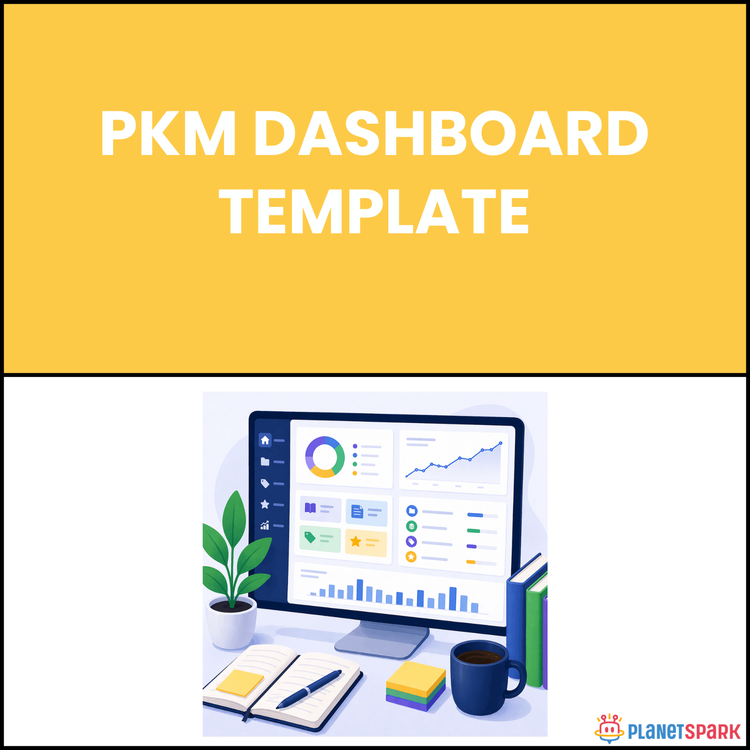
PKM Dashboard Template
Build a Command Centre for Your Knowledge, Ideas, and Execution
You’re capturing ideas, saving resources, taking notes, and learning constantly. But everything is scattered. Some notes are in one app. Some ideas are in another. Articles are bookmarked. Tasks are elsewhere. And when you actually need something, you spend more time searching than using.
This is one of the biggest hidden problems for modern professionals. Not lack of knowledge—but lack of integration.
Without a unified system, your insights remain disconnected. Your ideas do not build on each other. Your work becomes reactive instead of strategic.
This is where a PKM Dashboard becomes powerful. It acts as your command centre—a single place where everything you capture, process, organise, and apply comes together.
It reduces mental load, improves clarity, and ensures that the right information is available when you need it.
The Personal PKM Dashboard resource helps you build this system from scratch in a simple and practical way. Instead of juggling tools and scattered notes, you create a system that supports how you think and work.
Who Is This Resource For?
This resource is designed for professionals who want a unified system
- Working professionals with 0 to 15 years of experience
- Career switchers building structured knowledge
- Consultants managing multiple projects
- Managers handling tasks and strategic inputs
- Creators and thinkers organising ideas
- Anyone overwhelmed by scattered information
If your knowledge feels everywhere but not useful, this resource is for you
What Does This Resource Contain?
This is a complete system design for managing knowledge and execution
Clear explanation of a PKM dashboard and its purpose
Four core function system
Capture to collect inputs quickly
Process to convert raw information into structured knowledge
Organise to store information logically
Review to revisit and connect knowledge
Four zone dashboard structure
Inbox for raw inputs
Projects for active work
Resources for organised knowledge
Archives for completed or inactive items
Step by step setup guidance
Templates and frameworks for faster implementation
Workflow to move information from capture to action
Weekly review system to maintain clarity
Everything is designed for practical execution
Summary of the Resource
This system helps you move from scattered information to a structured command centre
You centralise all your knowledge
You organise information clearly
You connect ideas across work
You apply knowledge effectively
You build a system that supports daily execution
It transforms information into a usable system
How Will This Resource Be Useful?
The biggest benefit is clarity and control
You reduce time spent searching
You improve decision making
You connect learning with execution
You reduce mental clutter
You increase productivity
You build a scalable system
Key idea
Your knowledge becomes powerful only when it is accessible and connected
How Should You Use This Resource?
Follow a structured approach
Understand the dashboard concept
Set up Inbox Projects Resources and Archives
Start capturing all inputs into one place
Process information regularly
Organise only what matters
Use Projects for active work
Run weekly reviews
Use the system daily
Consistency makes the system effective
Action Steps
Choose your primary tool
Create Inbox Projects Resources and Archives
Capture your first inputs
Process and organise a few items
Move one item into active work
Schedule a weekly review
Use your dashboard daily
Start simple and stay consistent
Most professionals do not struggle because they lack knowledge
They struggle because they cannot organise and use it
When you build a command centre
Your thinking becomes clearer
Your work becomes structured
Your execution becomes faster
You do not need more tools
You need a system that works
This dashboard gives you that system