
Tracking Job Search Performance Metrics

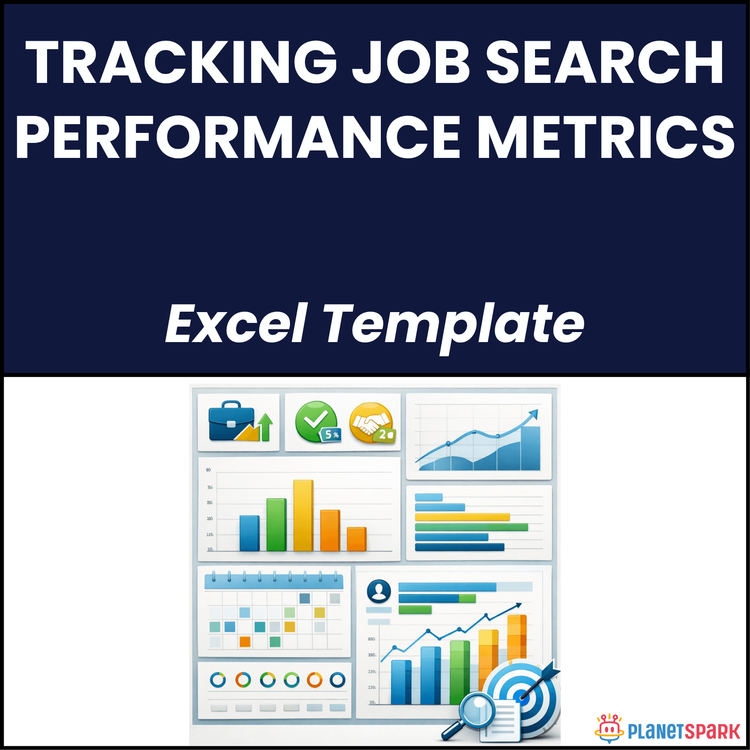
Tracking Job Search Performance Metrics
Tracking Job Search Performance Metrics: Your Ultimate Guide to a Strategic Job Search
Are you feeling like your job search is all hustle with no results? You’re not alone. Many professionals dive into job hunting with hope and determination, but often find themselves overwhelmed, sending out countless applications without a clear sense of what’s working. But what if you could track your job search, measure its success, and optimize it like a performance challenge instead of just relying on luck? This is exactly where the "Tracking Job Search Performance Metrics" Excel template and guide come in — a tool designed to bring clarity, momentum, and better results to your job search process.
Book your free trial session today with PlanetSpark.
Download for more details or PDF file.
Who Is This Resource For?
This resource is perfect for:
- Career Changers: Professionals switching industries who need a structured approach to manage multiple job search avenues.
- Early to Mid-Career Professionals: Individuals looking for new opportunities within their field, aiming for a career pivot.
- Consultants & Managers: Professionals focused on streamlining their job search efforts to boost productivity.
- Anyone Looking to Maximize Job Search Efficiency: If you’re tired of aimlessly applying without understanding where things go wrong, this guide is for you.
What Does This Resource Contain?
The "Tracking Job Search Performance Metrics" template is packed with actionable insights and tools to ensure your job search is as systematic and effective as possible. Here’s what you’ll find:
- Excel Template: A pre-built Excel workbook with six interconnected sheets that track every stage of your job search, from applications sent to offers accepted.
- Framework for Metrics: Understand and track metrics like application-to-screen conversion rate, interview-to-offer conversion rate, and more.
- Weekly Review Rituals: A simple but effective daily and weekly review process to ensure you’re always on track.
- Step-by-Step Guide: Learn how to set up and use the template, analyze your data, and make necessary adjustments for optimal results.
- The PACE Framework: A decision-making tool to help you diagnose and resolve issues in your job search process.
Summary of the Resource
At its core, this resource is a structured, data-driven guide to help you navigate your job search with confidence. It’s more than just tracking applications; it’s about understanding which aspects of your search are working and which need improvement. By using the provided metrics and tools, you can manage your job search with precision, improving key performance indicators like response rate, interview rate, and ultimately, your chances of landing the right role.
How Will This Resource Be Useful?
The resource offers tangible benefits such as:
- Clarity: Track every stage of your job search and understand what’s working — from applications sent to offers accepted.
- Control: Move from a passive job search to an active one by identifying the exact areas of your process that need improvement.
- Confidence: Stop guessing and start making data-driven decisions. This system will give you the confidence to adjust your strategy as you go.
- Momentum: By tracking your progress, you’ll maintain a steady pace, helping you stay motivated and productive throughout your search.
How Should You Use This Resource?
Follow this process to get the most out of the tracker:
1. Daily Check-In (5 minutes): Update your Pipeline Master Sheet and log new actions. Set the “Next Step” for each opportunity.
2. Weekly Review (30 minutes): Pull up your Metrics Dashboard, review your metrics, identify bottlenecks, and adjust your strategy for the week ahead.
3. Monthly Deep Dive (60 minutes): Every month, analyze your conversion rates across all stages. Identify your biggest challenge and adjust your job search strategy accordingly.
Action Steps
- Step 1: Download and set up the Excel tracker. Populate it with your current job search data, even if it’s incomplete.
- Step 2: Start logging new actions every day. A few minutes of tracking will help you stay on top of your job search.
- Step 3: After one week, review your metrics and identify one area for improvement. Focus your efforts on that area.
- Step 4: Make adjustments based on the data. Is your application-to-screen rate low? Try tailoring your applications more. Is your follow-up rate low? Start sending follow-ups after each application.
- Step 5: Set a weekly KPI for your job search, and stay consistent with your daily tracking habits.
Job searching is tough, but with the right system in place, it doesn’t have to be overwhelming. By using this tracking system, you’ll gain more control over your job search and be able to focus your efforts on high-conversion activities. With regular updates and consistent reviews, your search will become smarter, not harder, and you’ll start seeing results much faster.
Book your free trial session today with PlanetSpark.
Download for more details or PDF file.